4 Google search tricks that find what you actually want
Published
Short answerUse site: to search one website, filetype:pdf for real guides and papers, a minus sign to remove a word, and before: or after: to limit the date. Stack them to get real opinions with fewer ads.
Most people type a question into Google and scroll. Four small additions change what comes back. They are called search operators, and they work in the normal search box.
1. site: searches one website only
Put site: and a website in front of your words, and you only get results from that site:
site:reddit.com best budget laptop
This is the fastest way to read what real people say about a product. It also works for news sites, forums, and the official support pages of a company.
2. filetype: finds documents, not product pages
Add filetype:pdf and you get real guides, papers and manuals instead of shop pages:
solar panel buying guide filetype:pdf
It also works with filetype:xlsx for spreadsheets and filetype:pptx for slides.
3. A minus sign removes a word
Put a minus sign directly before a word, with no space, and pages with that word are left out:
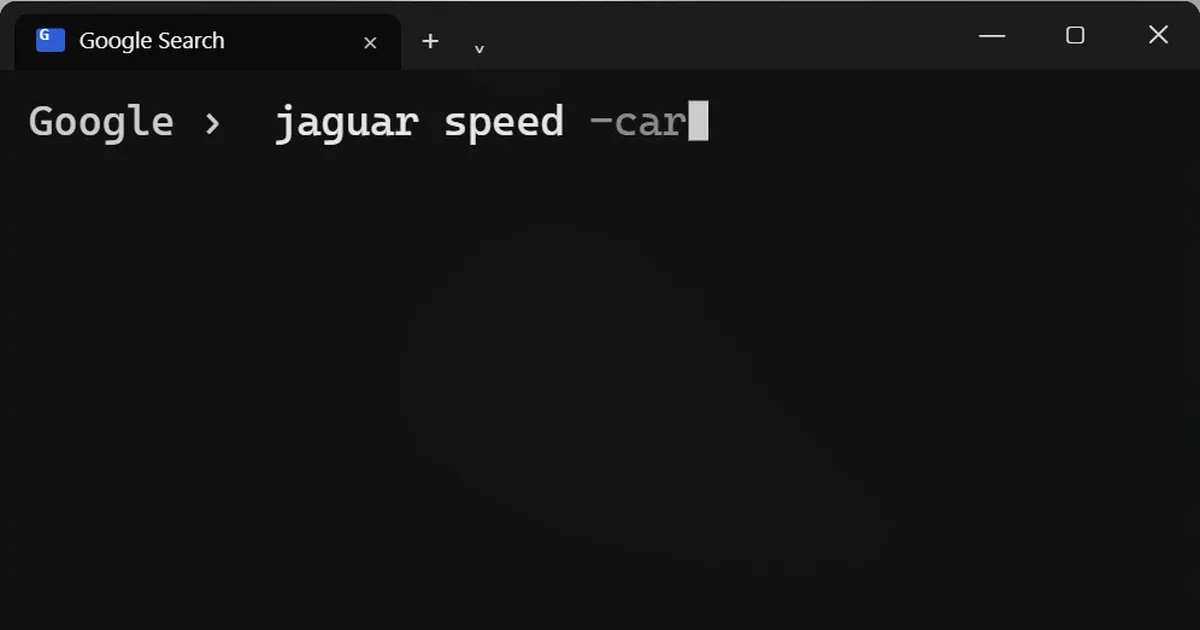
jaguar speed -car
Now you get the animal, not the car. Use it when a word has two meanings.
4. before: and after: limit the date
Add a year and you only get pages from before or after it:
best phone camera before:2024
after:2024 works the other way. It is useful when old advice is out of date, or when you want what people said at the time.
Stack them
You can combine operators in one search. Real people, real opinions and far fewer ads:
site:reddit.com "air fryer" before:2024 -sponsored
The quotation marks keep the words together as one phrase. Results depend on what Google has, so if a search returns nothing, remove one operator and try again.
Let an AI chatbot build the search for you
If you cannot work out which operators to use, describe what you want and ask:
Turn this question into a Google search that uses operators like site:, filetype:, quotation marks, a minus sign and before: or after:. Give me three versions, from narrow to broad. My question: [WHAT YOU WANT TO FIND]
More quick tips
More prompts on this topic
- Write Google Ads copyChatGPT · Gemini · Claude



Comments
No comments yet. Be the first to share what worked for you.