How to find out which website sold your email address
Published
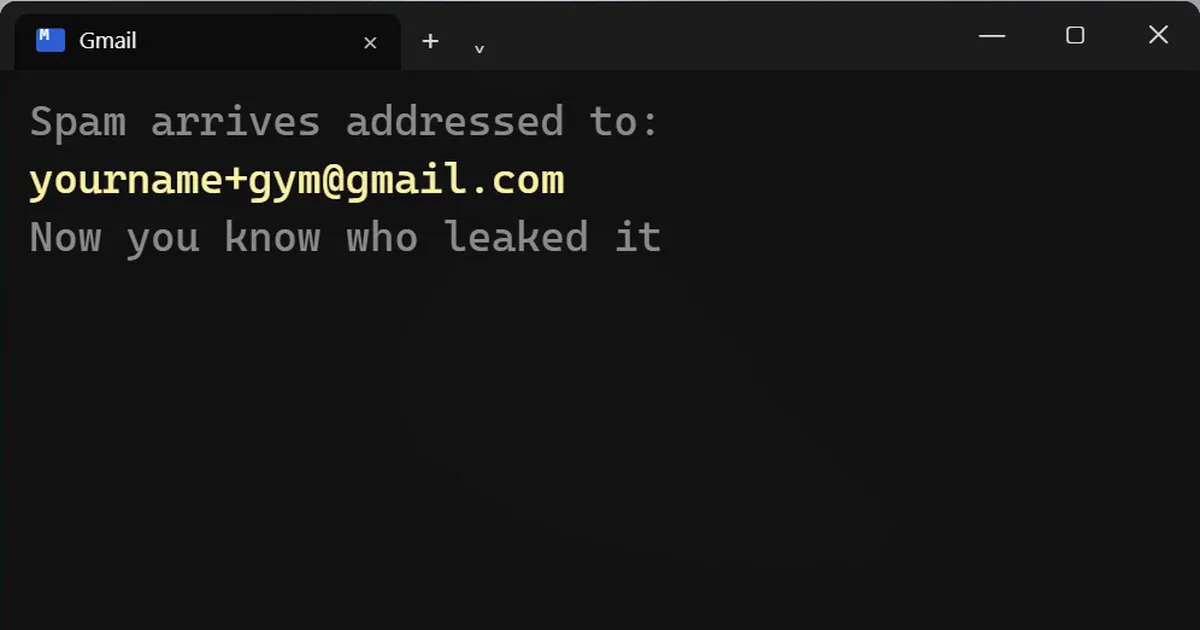
Short answerGmail ignores anything after a plus sign, so [email protected] still reaches [email protected]. Use a different tag for every website, and if spam arrives addressed to one tag, you know who leaked it. A few websites reject the plus sign.
Spam from companies you never signed up for usually means one website shared or lost your email address. You can find out which one, with a trick Gmail has always had.
The plus trick
Gmail ignores anything after a plus sign in the part before the @. So all of these land in the same inbox:
Replace yourname with your own Gmail name. Nothing to set up, and it works for any Gmail address.
How to use it
Give every website a different tag when you sign up. Amazon gets +amazon, the food app gets +swiggy, the gym gets +gym.
Later, if spam arrives addressed to [email protected], you know who leaked it.
Delete it with one filter
In Gmail, search for the tagged address to see everything sent to it:
Then use the filter option to delete anything sent to that address automatically.
Check if your email was in a data breach
Go to haveibeenpwned.com. It is free, and it shows which known data breaches your email address turned up in. If it did, change that password and turn on two-step verification for that account.
Two honest limits
- A few websites reject the plus sign in an email address. Use your normal address there.
- A spammer can remove the tag. So seeing a tag is a good sign of who leaked it, but not seeing one proves nothing.



Comments
No comments yet. Be the first to share what worked for you.