Customize Claude Code's status bar by describing it
Published · Updated
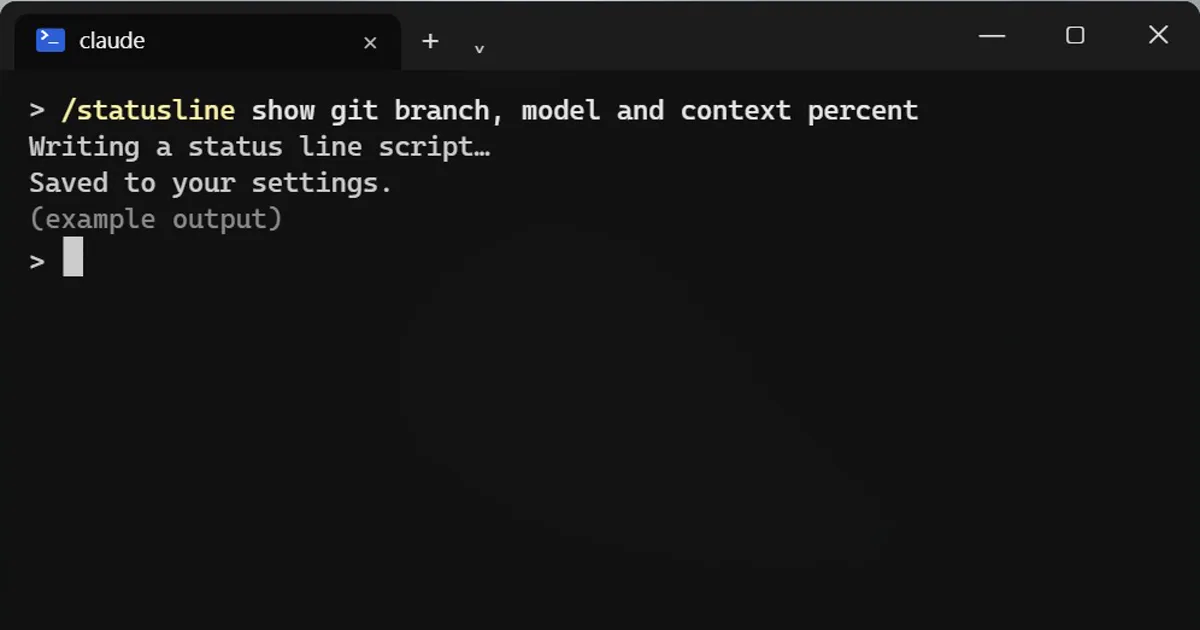
Short answerType /statusline followed by what you want to see, such as git branch, model and context percent. Claude writes the script and sets it up. Run it with nothing after it to build one from your shell prompt. Cost shown is an estimate.
The little bar at the bottom of Claude Code can show what you care about. You just describe it.
Describe what you want
/statusline show git branch, model and context percent
Say it in plain English. Claude writes the script and sets it up for you.
Or start from your shell prompt
Run /statusline with nothing after it, and it sets one up from your shell prompt.
Handy things to show
- The model you are using.
- How full your context window is.
- The session cost.
About the cost number
It is an estimate from token counts, not your bill. Check your account's usage page for what you really spent.
It is just a script
Your status line is a script on your PC. Open the settings file it changed, read it once, and ask Claude to change it again any time.
Keep it short
The bar only has room for a few things. Pick the two or three you glance at most, such as how full the context is while you work on a long task, and leave the rest out. A crowded status line is as easy to ignore as an empty one.
Change it as your work changes
You can ask Claude to change it again at any time, for example adding the git branch when you start switching between branches, or dropping the cost once you know your usual spend.
More quick tips
More prompts on this topic
- Plan a feature before writing any codeClaude · ChatGPT · Claude Code



Comments
No comments yet. Be the first to share what worked for you.