Switch from Codex or Gemini CLI to Claude Code without starting over
Published · Updated
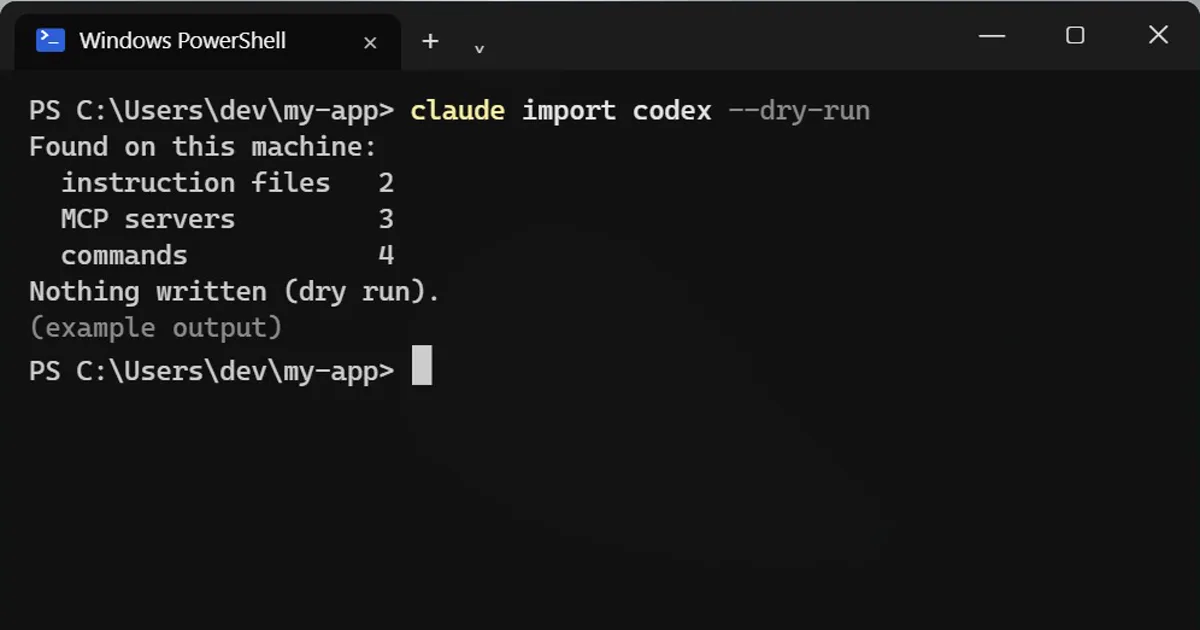
Short answerRun claude import codex --dry-run, or the same with gemini or cursor, to preview what Claude Code can bring over from your other tool. Inside a session the command is /import. Read what it brought before you trust it.
Trying Claude Code after Codex or Gemini CLI? You do not have to rebuild your setup by hand.
Preview first
claude import codex --dry-run
Swap codex for gemini or cursor. --dry-run shows what it would bring over without changing anything.
What it can bring
- Instruction files
- MCP servers
- Commands
- Subagents
- Skills
Already inside Claude Code?
It is the same command with a slash:
/import codex --dry-run
Another way in: /init
Run /init in a project that has Codex or Gemini files, and it offers to carry them over.
After the import
Read what it brought over before you trust it. Instruction files and tool settings can behave differently in a new tool, and some things may not map one to one. Needs a recent Claude Code version.
A careful way to switch
- Run the dry run first and keep its output, so you have a list of what will move.
- Try the real import on a test project before the repository your team depends on.
- Open each instruction file it brought over and remove rules that only made sense in the old tool.
- Start a short session and ask Claude to sum up the instructions it is following, to check it reads them the way you meant.
- Keep a copy of the old tool's files until you are happy with the new setup.
More quick tips
More prompts on this topic
- Build a small command-line toolClaude · ChatGPT · Gemini
- Plan a feature before writing any codeClaude · ChatGPT · Claude Code
- Write a CLAUDE.md file for your projectClaude Code · Cursor



Comments
No comments yet. Be the first to share what worked for you.