AI prompts to make an illustrated storybook for your kid
Published
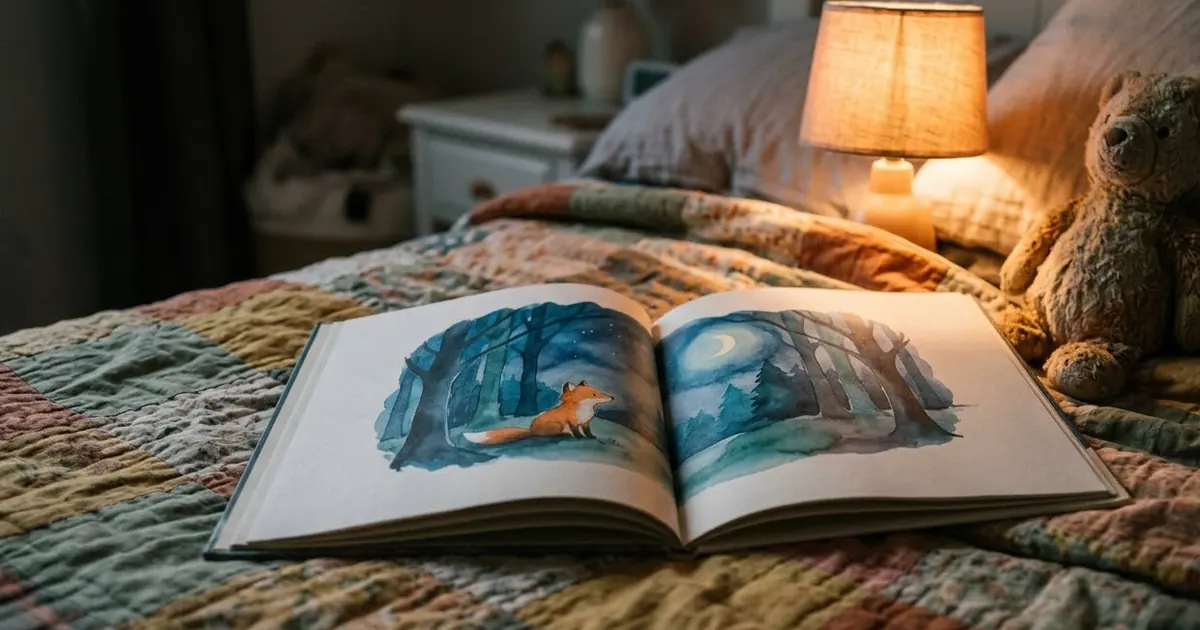
Short answerWrite a short plot first, describe your main character once in detail, then reuse that exact description on every page so the character stays recognisable. Leave space for text and add the words yourself afterwards.
Making a one-off storybook for a child used to mean paying an illustrator or using clip art that didn't quite fit the story. AI text and image tools can now do both halves: a short plot that fits your child's age and interests, and pictures that look like they belong in the same book.
The hard part isn't generating one nice picture. It's getting the same character to look like the same character from page to page. This guide covers both halves, in an order that makes the picture part easier.
Start with the plot, not the pictures
Decide what happens before you draw anything. A loose idea like "a story about my daughter and a dragon" gives an image tool nothing to repeat consistently. A short written plot does.
Create a short story plot.

Genre: a gentle bedtime story, no scary parts.
Setting: [PLACE, e.g. a treehouse in a quiet forest].
Main character: [CHILD'S NAME], who [WHAT THEY WANT, e.g. wants to find a lost kite].
Tone: warm and reassuring, ending with the character feeling safe.

Give: a one-line premise, 5 short scenes in order, and a gentle closing line for bedtime. Keep it under 300 words and suitable for a [AGE]-year-old.
This follows the story plot generator prompt, with the age, tone and "no scary parts" lines added for a bedtime story specifically. Once you have 5 scenes, you have 5 pages to illustrate.
Write down the character once
Before you generate a single picture, describe your main character in one paragraph you'll paste into every illustration prompt, word for word.
Create a character profile for a children's picture book.

Character: [CHILD'S NAME OR AN INVENTED NAME], a [AGE]-year-old [DESCRIPTION, e.g. girl with curly brown hair, round glasses, a yellow raincoat].
Setting: [PLACE FROM YOUR PLOT].

Include: 3 physical details that must stay the same every time (hair, clothing, one accessory), and a short note on personality for the illustrator's reference.
This is a trimmed version of the character profile prompt, written for a picture book instead of a novel. The 3 physical details are the part to copy exactly into every page prompt below. Keep the paragraph short enough to paste without editing it each time.
Illustrate each page
Now generate one picture per scene from your plot, reusing the character description unchanged and only changing the scene.
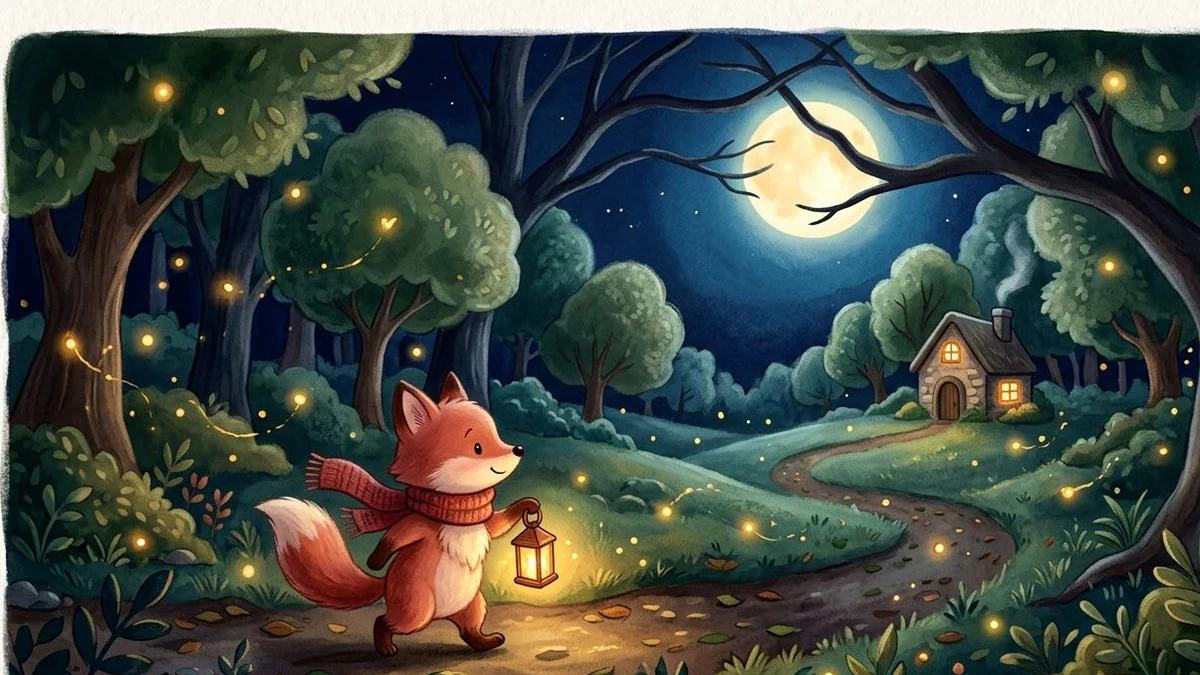
Create a warm children's storybook illustration: [SCENE FROM YOUR PLOT, e.g. the girl with curly brown hair, round glasses and a yellow raincoat looking up at a kite stuck in a tall oak tree].

Character: [PASTE YOUR EXACT CHARACTER DESCRIPTION HERE, UNCHANGED].

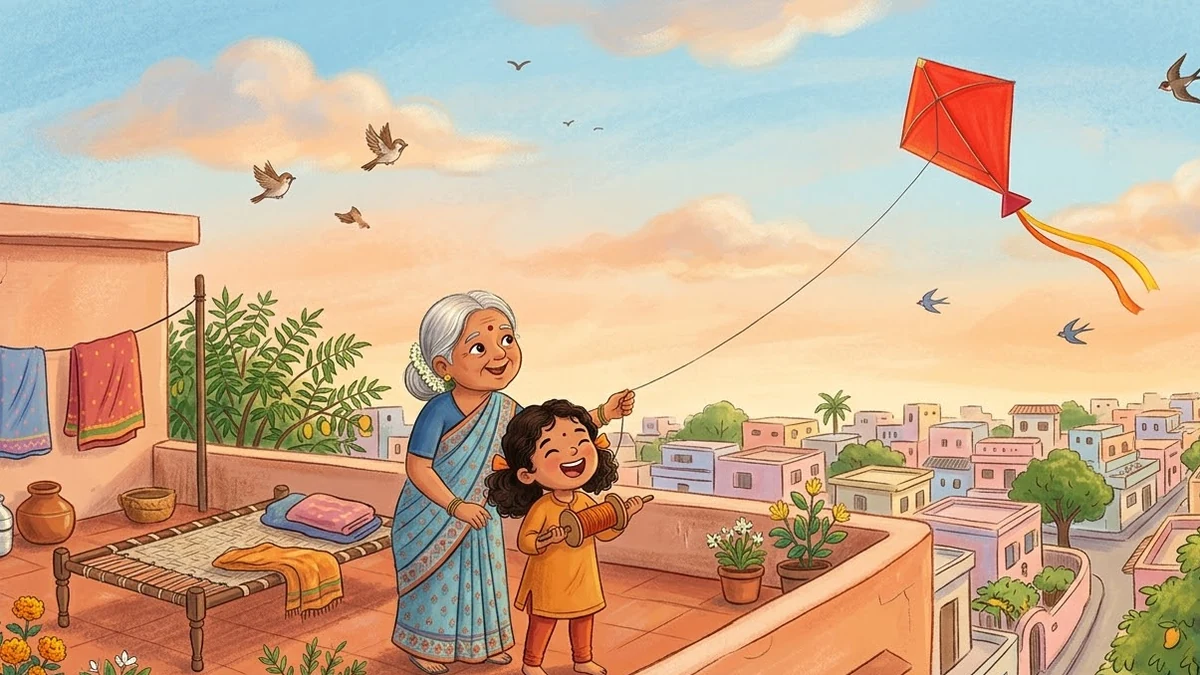
Style: soft gouache and coloured-pencil textures, rounded friendly characters, a gentle [COLOURS, e.g. warm orange and sky blue] palette, a cosy and joyful mood, simple uncluttered background.

Leave space at the bottom for a line of story text. No text in the image. Landscape 4:3.
This is the children's storybook illustration prompt, and its own tip is the one that matters most here: reuse the exact same character description in every prompt. Generate all 5 pages in the same session if your tool allows it, since that tends to keep the style more consistent than starting fresh each time.
Expect some drift between pages even so. If one page's character looks off, regenerate just that page rather than redoing all 5, and compare it against an earlier page before moving on.
Add the words yourself
Ask for "no text in the image" every time, as the prompt above does. Image tools still misspell words fairly often, and a wobbly "h" in your child's name is the kind of thing a child notices. Write the line for each page in a document or a simple page layout tool instead, under or beside the picture.
Two ways to extend it
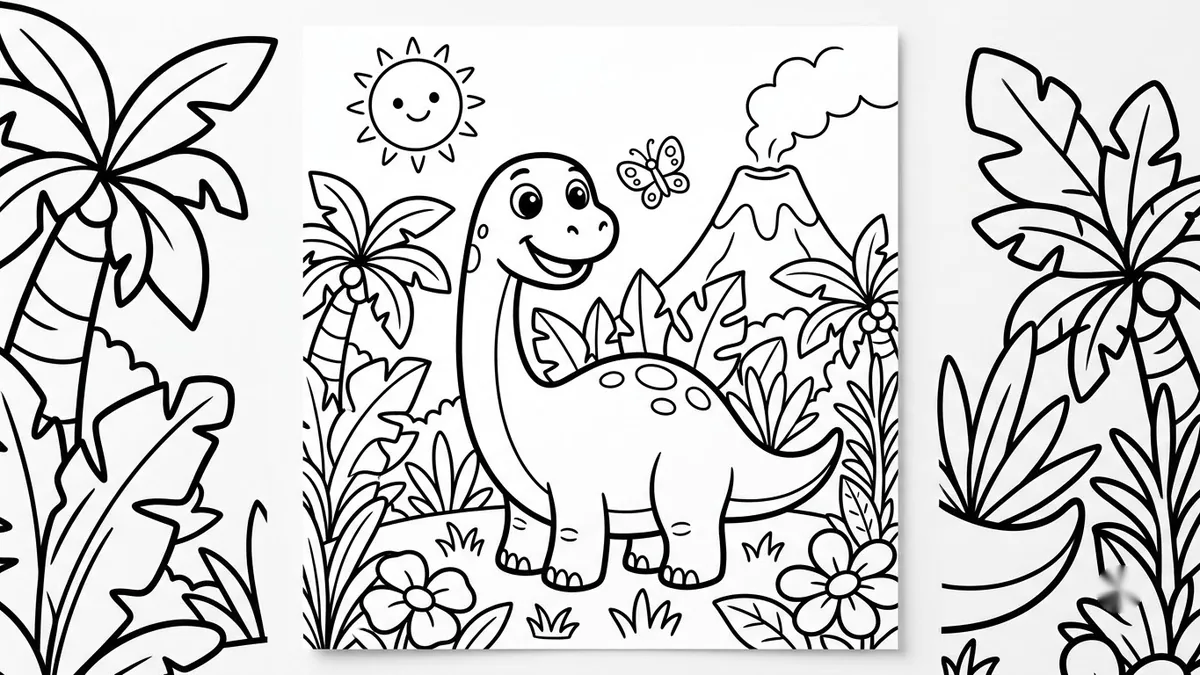
- A printable colouring version. The printable colouring page prompt turns the same scenes into black-and-white outlines your child can colour in by hand. Keep the same scene description and drop the colour and shading instructions.
- One scene brought to life. If your child has a favourite page, the animated storytime scene prompt can turn it into a short, slow-moving animated clip for a bedtime video instead of a still picture.
Where to go from here
For more ways to use AI for family moments with your kids, see AI prompts for parents. Browse more options in the image generation prompts collection, or build your own with the prompt builder.
Quick checklist
- Write the 5-scene plot before generating any pictures.
- Describe your character once, in 3 physical details, and paste that same text into every page prompt unchanged.
- Generate all pages in one sitting where possible, and regenerate single pages that drift rather than redoing all of them.
- Ask for "no text in the image" and add the words yourself afterwards.
- Try a colouring-page or short animated version of a favourite scene once the story is finished.
Prompts to try
More prompts on this topic
- Creative writing prompts for kidsChatGPT · Gemini · Claude
- Preview a house on an empty plotGemini · ChatGPT
- Illustrated map of continents for kidsMidjourney · Gemini · ChatGPT
- Storybook fox characterMidjourney · Gemini · ChatGPT
- Personalised bedtime story for a childChatGPT · Gemini · Claude


Comments
No comments yet. Be the first to share what worked for you.