- Prompt at a glance
- Category
- Video
- Works with
- Veo · Kling
- Latest versions
- Veo 3.1 · Kling 3.0 (checked September 2026)
- Length
- 64 words
- Fields to fill
- VEHICLE
- Last updated
Waterfall pouring through a metro train
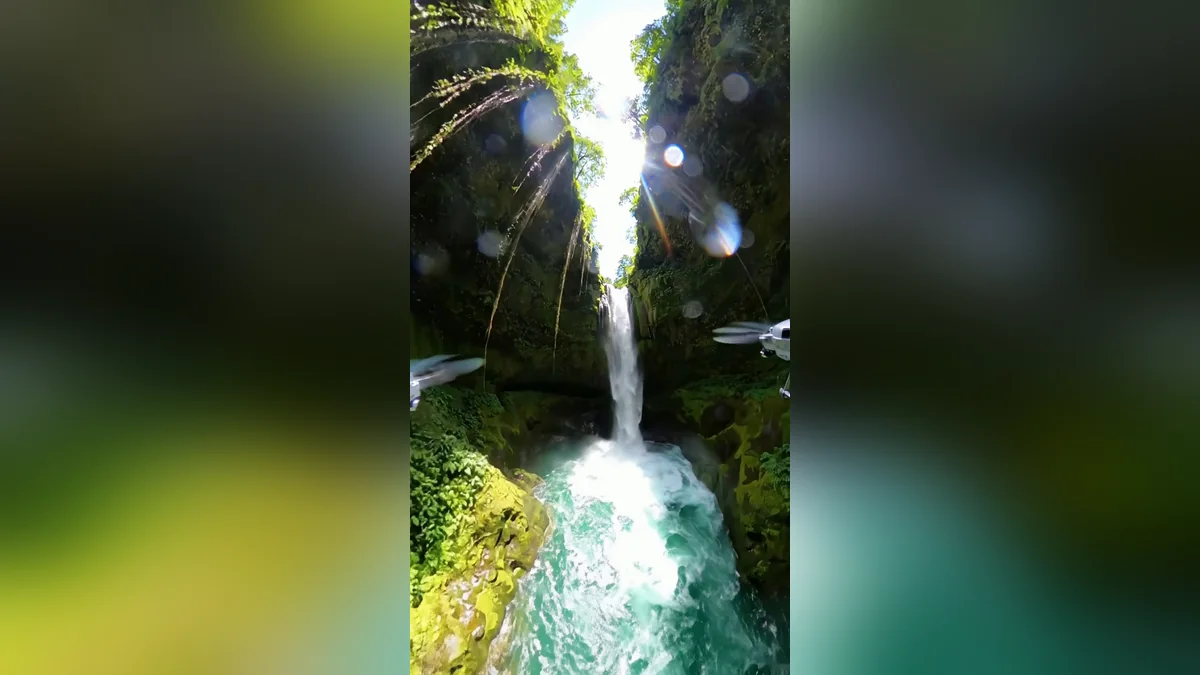
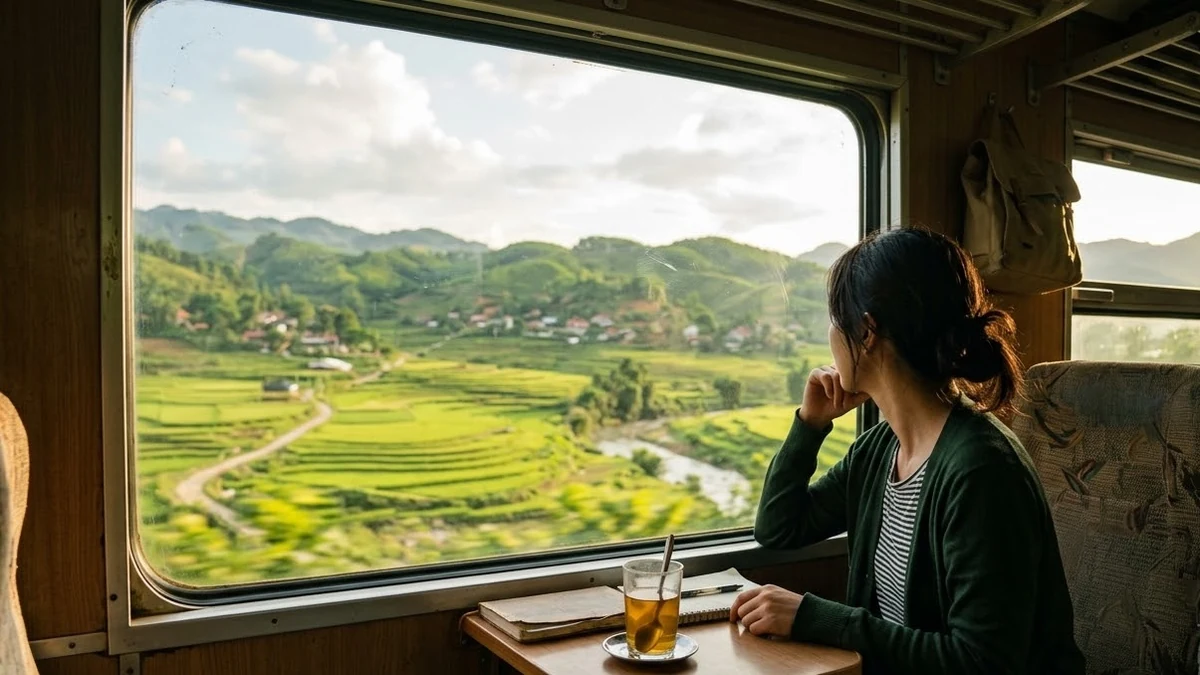
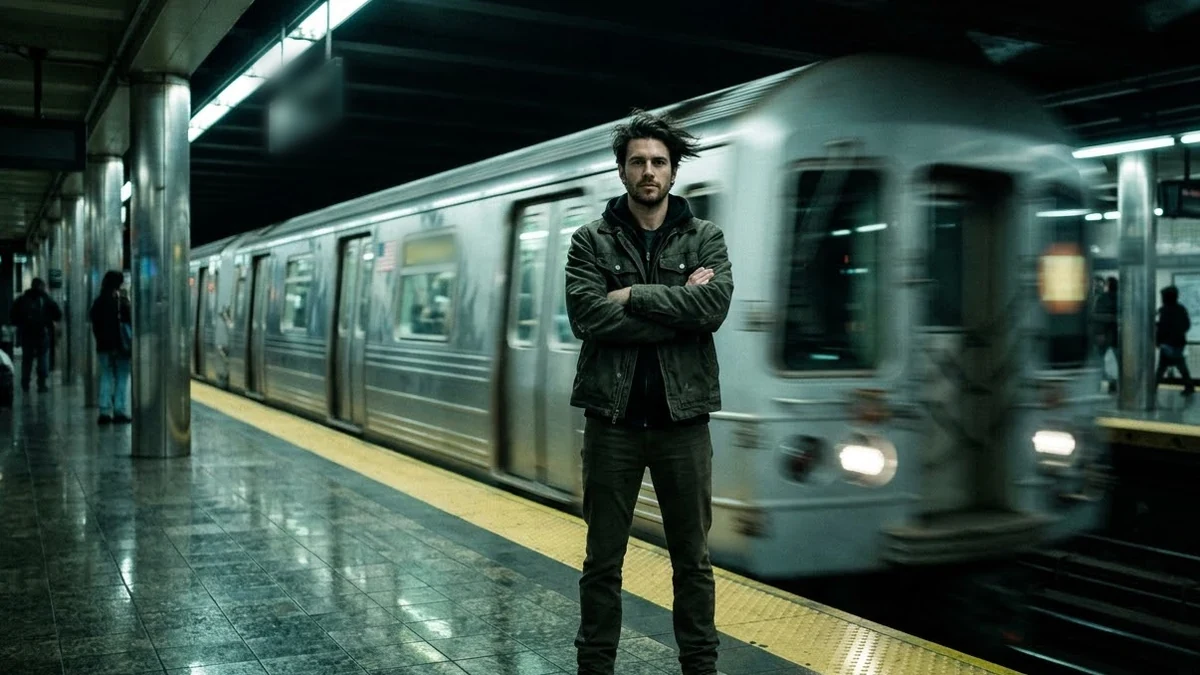
A calm waterfall comes through the sliding doors and runs down the aisle between empty seats. The prompt asks for a steady phone camera, realistic water and an empty carriage, which keeps the glitches away. Vertical 9:16, 8 seconds, with sound.
Vertical 9:16, 8 seconds. A phone video inside a moving [VEHICLE, e.g. metro carriage]: a calm waterfall pours out of the sliding doors and flows down the aisle between empty seats like a river, sunlight through the windows, mist in the air, water splashing softly around the poles. Steady camera, realistic water physics, nobody in the carriage. Sound: rushing water and a train rumble.
Say “nobody in the carriage”. Crowds of AI people are where the glitches hide, and an empty carriage makes the water the star.
From copy to clip in four steps
- 1
Open Veo.
- 2
Paste the prompt and fill in the [BRACKETED] fields. Add a starting image if the tool supports it.
- 3
Set the aspect ratio and length in the tool.
- 4
Generate two or three takes and adjust one detail at a time.
About this prompt
Which AI tools work with this prompt?
It is written for Veo and Kling. Paste it into your preferred tool and adjust the wording if the result is off.
What do I need to fill in?
Replace the field before you send it: VEHICLE. Each field shows an example in the prompt.
Why does the result differ between video models?
Each model interprets camera moves, motion and audio differently. Keep the prompt, regenerate a few times and change one detail at a time.