- Updated
Car commercial on a coastal road
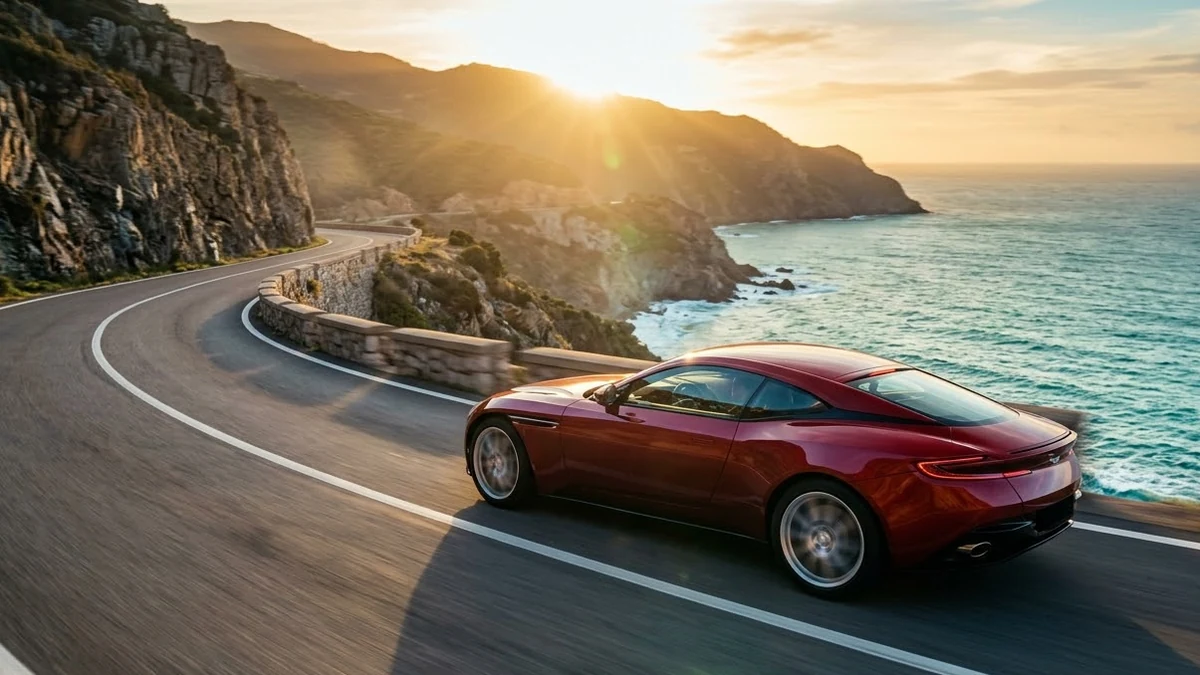
This prompt films a car of your choice driving along a winding coastal road at golden hour, starting with a low tracking shot alongside the wheels and moving to a drone view.
Cinematic car commercial: a [CAR TYPE AND COLOUR] driving along a winding coastal road at golden hour, low tracking shot alongside the wheels, then a drone shot pulling back to show the sea and cliffs, dust and light reflecting on the paint, engine sound rising, smooth premium colour grade, no visible licence plate or brand logos.
Avoid real brand names. The result is cleaner and safer to use.
Get a better result
A cinematic driving ad on a winding coastal road at golden hour, with a low tracking shot beside the wheels, a drone pull-back showing sea and cliffs and reflections on the paint.
Car ads follow a familiar rhythm: close detail first, then the big landscape. The prompt tracks low alongside the wheels to show motion and paint, then pulls back with a drone to reveal the coast and cliffs. Golden hour makes the paint glow, and banning plates and logos keeps the car generic, so the clip does not borrow a real brand’s design or look like a real model.
A real logo or plate appears.
Fix: Keep the “no visible plates or logos” line and check each frame, as the tip says.
- The car changes shape between shots. Describe the body style and colour in detail, and generate each shot separately with the same wording.
- The road looks unsafe. Add a calm, empty road with clear lanes, so the ad does not suggest reckless driving.
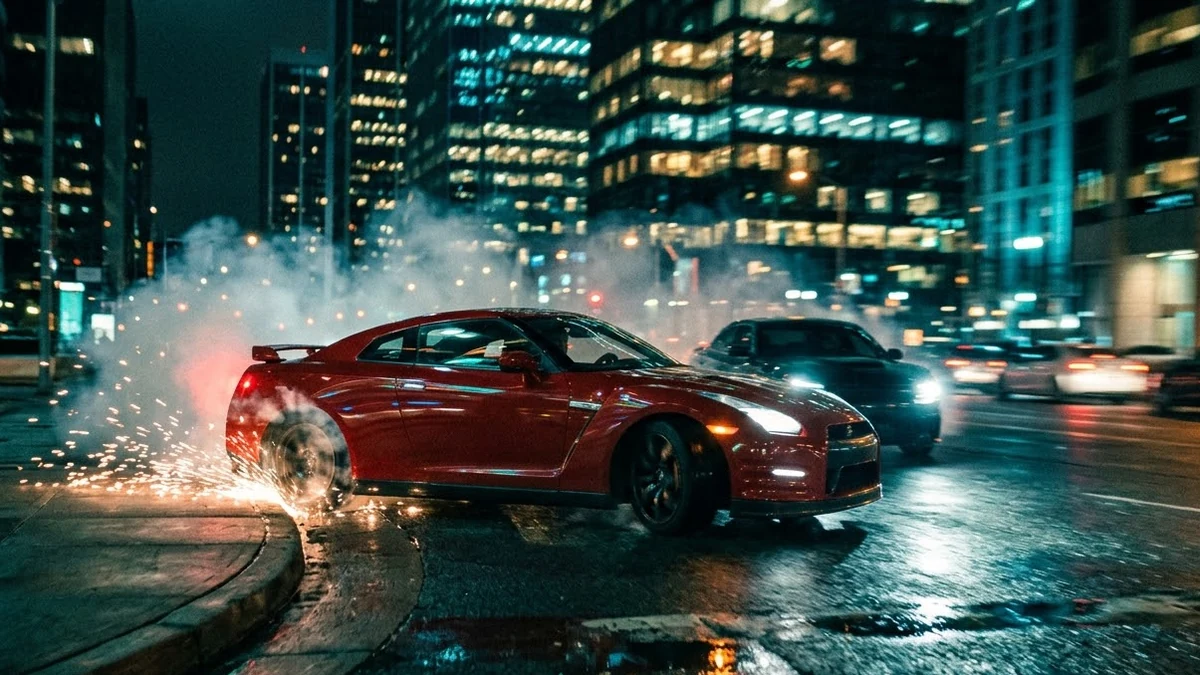
Ask for the same car driving through a rain-wet city with neon reflections, using a low, smooth tracking shot.
an invented car design with no badges or logos, low tracking shot alongside the wheels
More video generation prompts
See all 489 →
More like this
- Classic car on a coastal roadMidjourney · Gemini · ChatGPT
- Car Drive video promptHiggsfield · Kling · Veo
- Ladakh road tripVeo · Kling · Seedance
- Dreamy desert road at duskVeo · Kling
- Robo Arm food commercial moveHiggsfield · Kling · Veo