4 AI reviewers clean your code at the same time with /simplify
Published · Updated
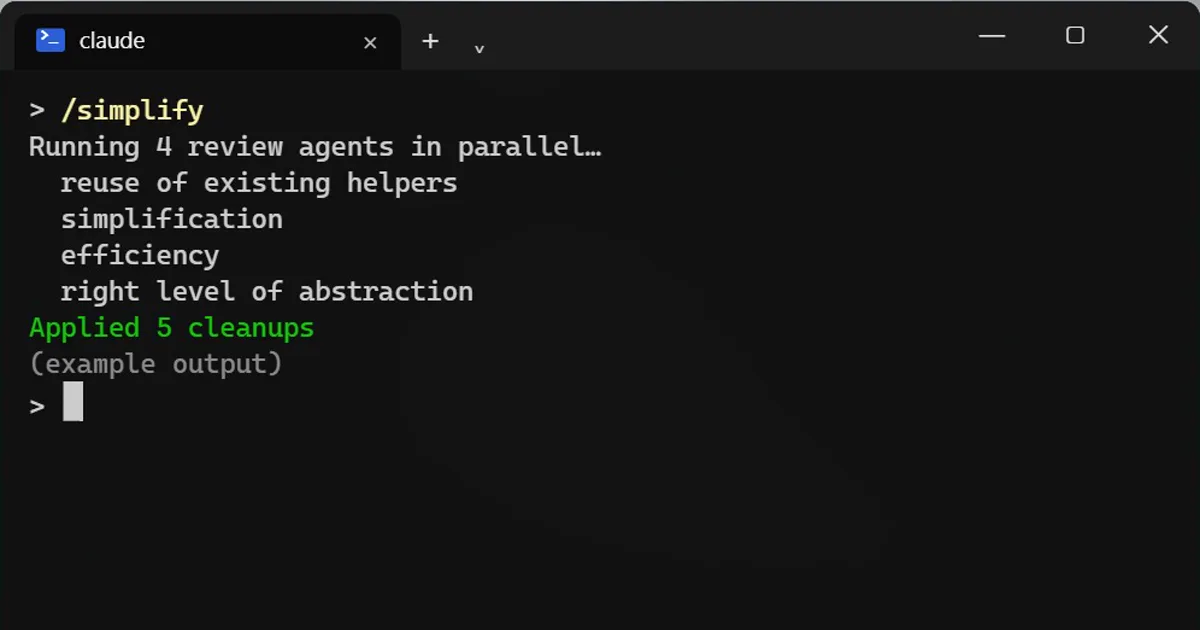
Short answerType /simplify in Claude Code. Four review agents look at the code you changed for reuse, simplification, efficiency and design level, then apply the fixes. It does not look for bugs. Use /diff to see what changed.
Four AI reviewers cleaning your messy code at the same time, from one command.
Run it
/simplify
What the four reviewers do
Each one has a different job on the code you changed:
- Find code you could reuse instead of rewriting.
- Simplify messy parts.
- Make slow parts faster.
- Check the change is at the right level of design.
Then it applies the fixes.
What it does not do
It does not hunt for bugs. For bugs, use /code-review. For security problems, use /security-review.
See exactly what changed
/diff
Read the diff before you commit. Cleanups can still change behaviour, so run your tests afterwards.
A good routine
- Finish your change and get the tests passing first, so you start from a version you know works.
- Commit, then run
/simplify. If a cleanup goes wrong, that commit is your way back. - Read the result with
/diff, one file at a time. Ask Claude why it made any change you do not understand. - Run the tests again. If one fails, undo that cleanup instead of patching around it.
- Commit the cleanups on their own, apart from the feature, so a reviewer can read each part separately.
When to skip it
On a one-line fix there is little to tidy, and on code you are about to delete it is wasted effort. It earns its keep after a long session where the code grew in small steps and nobody stepped back to look at the whole change.
More quick tips
More prompts on this topic
- Write a pull request description reviewers loveClaude · ChatGPT · Claude Code
- Review a pull request diff before you mergeClaude · ChatGPT · Claude Code
- Security review checklist for your codeChatGPT · Gemini · Claude
- Explain code line by lineChatGPT · Gemini · Claude



Comments
No comments yet. Be the first to share what worked for you.