Cinematic time travel: the AI photo trend taking over Instagram and TikTok
Published
Short answerName a decade or setting, describe the costume, lighting and camera look for that era, and ask the AI to change everything around you while keeping your face the same. The era details do most of the work.
A new AI photo and video trend has been trending on Instagram and TikTok: cinematic time travel. Instead of a filter, it drops you into a completely different time and place, a rainy 1980s Tokyo street, a 1920s Paris ballroom, a cyberpunk city decades from now, and lets the AI rebuild the lighting, clothing and colour around you to match.
It's popular because it turns an ordinary selfie into something that looks like a still from a film. Here's how the prompt structure behind it works, and some ready-to-use versions.
Why this works better than "put me in the past"
A vague request like "make me look old-fashioned" gives the AI almost nothing to work with. The trend works because people describe the era like a film director would:
- A specific decade or year, not just "vintage" or "old".
- A real place, so the AI has architecture and colours to draw on: a Tokyo alley, a Parisian café, an ancient Roman street.
- Period-accurate clothing, named directly: a flapper dress, a toga, a bomber jacket.
- A camera and lighting style that matches the era: film grain and neon for the 1980s, soft sepia tones for the 1920s.
- What must stay the same: your face and features.
Put those together and you get an edit that looks considered, not generic.
The portrait version: step into an era
This is the simplest version of the trend, and it works on a single selfie:
Turn this photo into a 1920s studio portrait. Keep my face and features exactly the same.

Period styling: a beaded flapper dress, finger-waved hair, sepia-toned silver gelatin look, soft focus edges, an oval vignette, painted studio backdrop, fine cracks and dust.
This is our 1920s vintage portrait prompt. The oval vignette and "fine cracks and dust" detail are what make it look like a real photograph from the period rather than a costume photo with a filter over it.
Other eras work the same way. For a samurai-era look, keep the structure but swap the details:
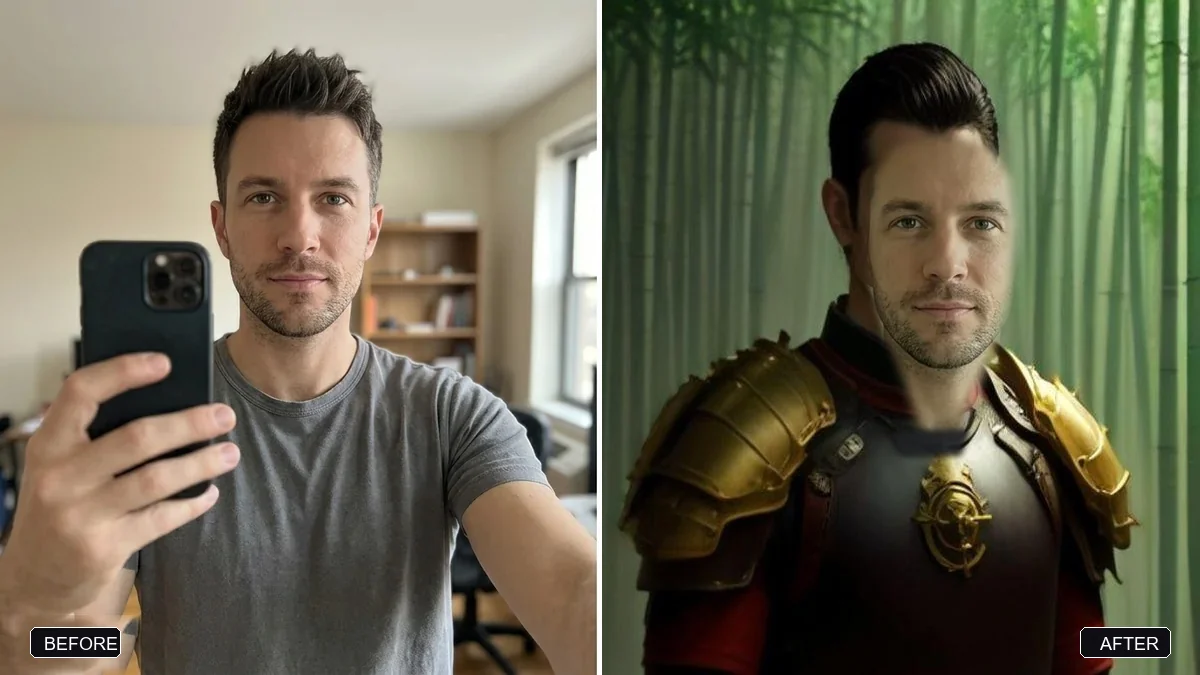
Turn this photo into a portrait of me as a samurai. Keep my face and features exactly the same.

Wear traditional lacquered armour with a topknot, standing in a misty bamboo grove at dawn, a sword at my side, cinematic, detailed, respectful historical style.
That's our samurai portrait prompt. Swapping just the setting and costume lines, while keeping the "keep my face the same" instruction fixed, is the whole trick.
The scene version: drop yourself into a place and time
Instead of a studio portrait, you can place yourself into a full scene. This needs more detail about the location itself:
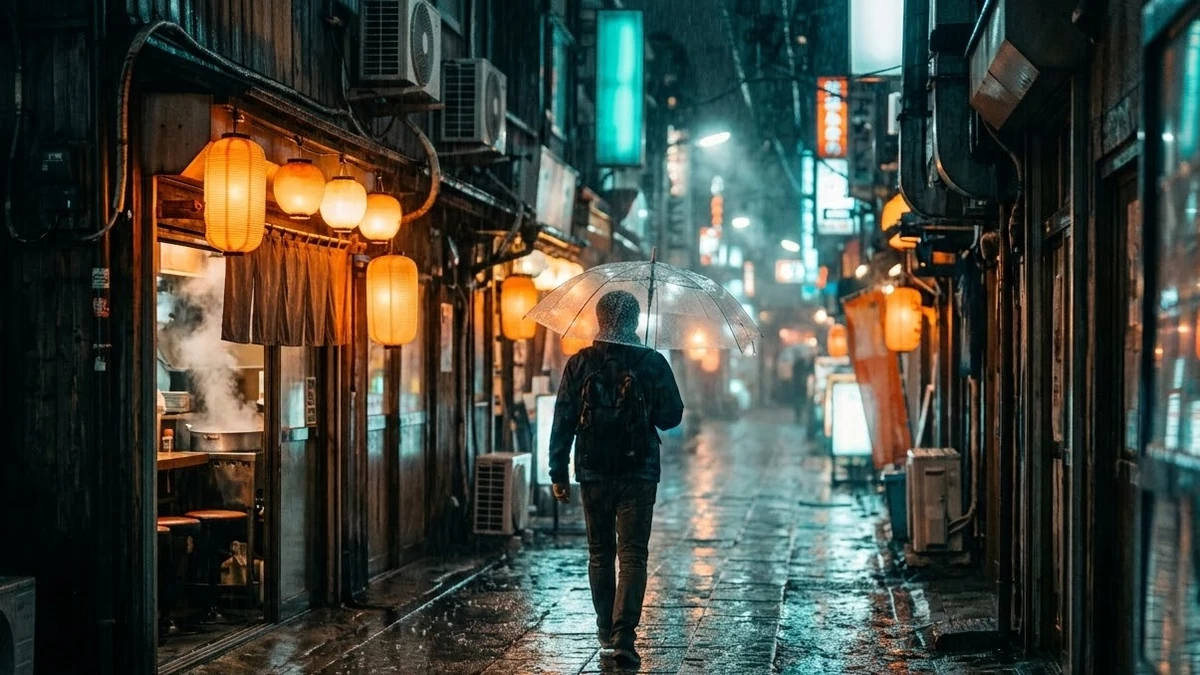
A narrow rainy alley in Tokyo at night, glowing paper lanterns and neon signs reflecting in wet pavement, a lone figure with a transparent umbrella walking away, steam from a ramen shop, soft mist, cinematic photography, 35mm lens, teal and warm orange colour grade.
That's the rainy Tokyo alley prompt, one of the most common settings in this trend. If you want yourself clearly in the shot rather than a silhouette, add "the person in the foreground is me, keep my face and features exactly the same" before the scene description.
Make it move: the doorway trick
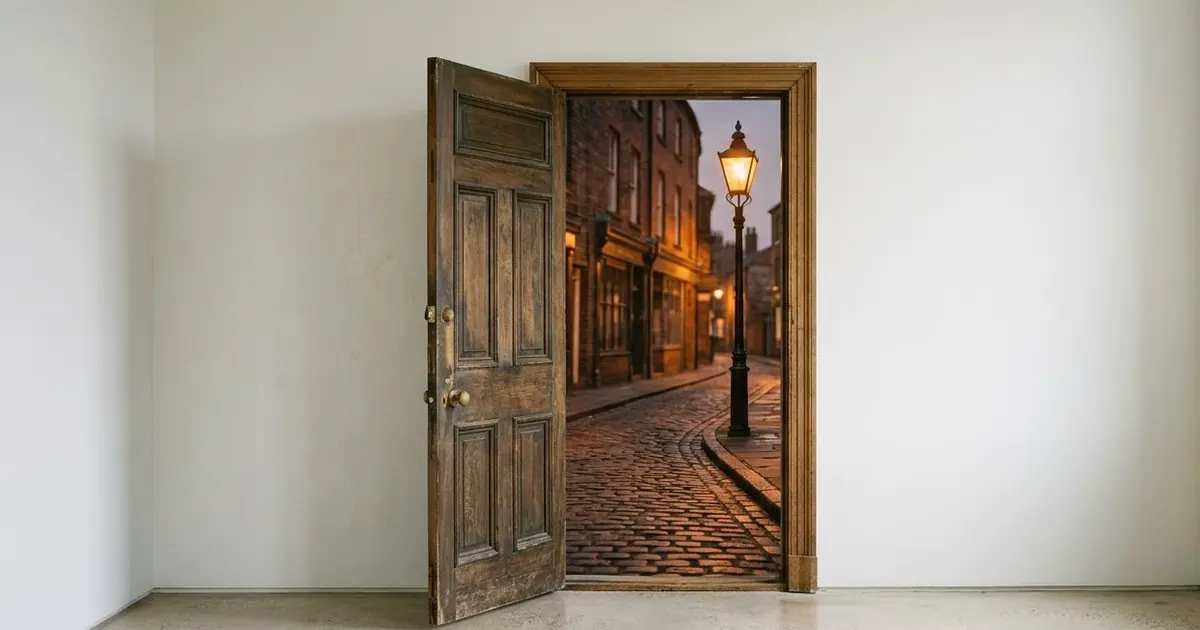
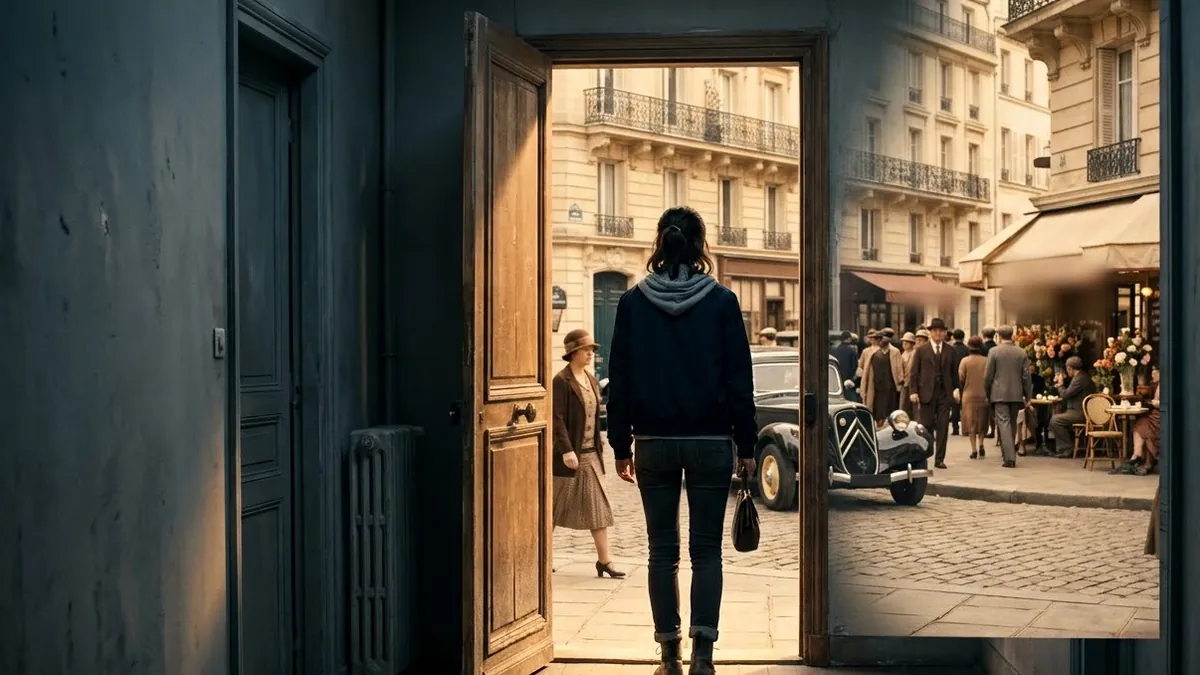
The video version of this trend is even more striking: a short clip where someone opens an ordinary door and steps straight into another era, with the light and world changing as they cross the threshold.
A person opens an ordinary wooden door in a modern apartment corridor and steps into 1920s Paris street, the light and colours change as they cross the threshold, camera follows through the doorway, period costumes and vintage cars pass, warm nostalgic film look, jazz begins to play.
That's the time travel doorway prompt, built for Veo, Kling or Seedance. Swap the era in the brackets for anywhere you like: ancient Rome, a neon-lit future, a 1960s diner.
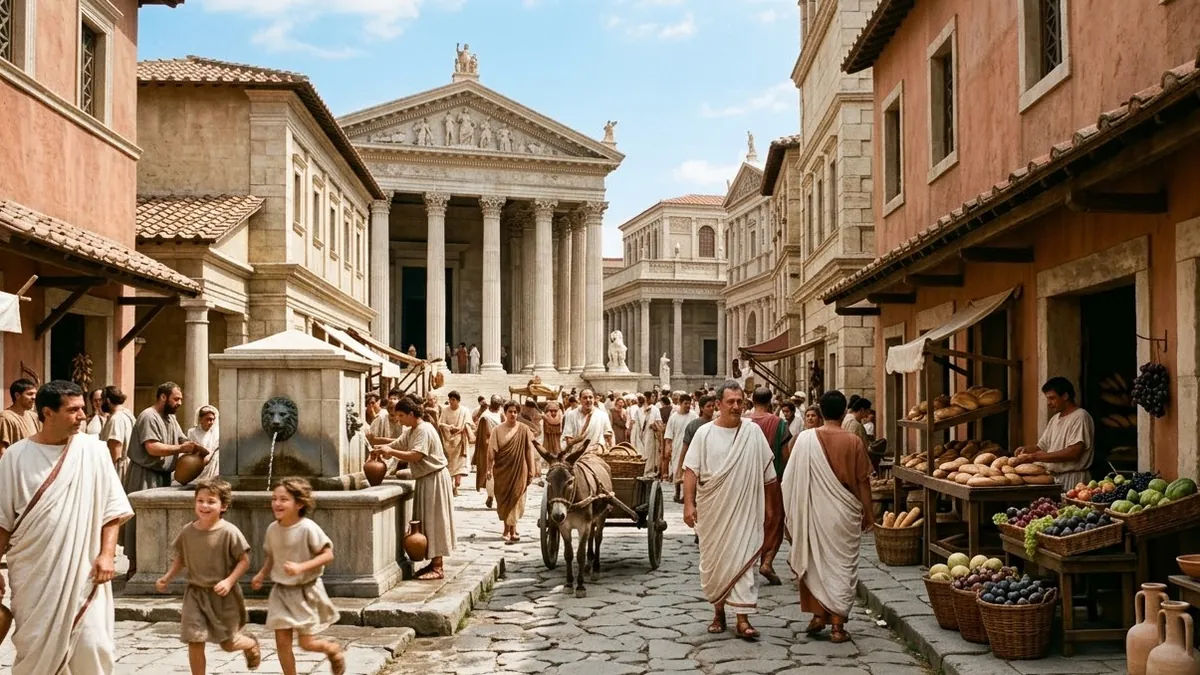
For a full scene instead of a doorway moment, the ancient Rome street prompt builds a busy, lived-in world with merchants, a chariot and a slow tracking shot through the crowd.
Getting a convincing result
It still looks like a costume, not an era. Name the camera and film look, not just the clothing: sepia tones, film grain, a specific lens. The look sells the era as much as the outfit does.
It changed my face. Repeat "keep my face and features exactly the same" at both the start and end of the prompt if a first attempt drifts.
The scene looks generic. Add one unusual, specific detail: steam from a food stall, dust in the air, a particular weather condition. Specific, small details read as more real than broad adjectives.
The lighting doesn't match the era. Say it directly: soft natural light and long exposures for older decades, neon and artificial light for anything from the 1980s onward.
Where to go from here
If you enjoy this kind of transformation, our film look AI photo prompts guide covers the grain, light leaks and faded colour that make any photo feel less AI-made, and the trend pairs well with it. All the prompts here are free in the viral AI photo trend prompts collection, and the prompt builder will write a custom version for your own photo and era.
Quick checklist
- Name a specific decade, year or real place, not just "vintage".
- Describe the costume, the camera look and the lighting for that era.
- Say what must stay the same: your face and features.
- Add one small, unusual detail instead of more adjectives.
- For video, try the "open a door into another era" structure.
Comments
No comments yet. Be the first to share what worked for you.