- Updated
Busy street market hyperlapse
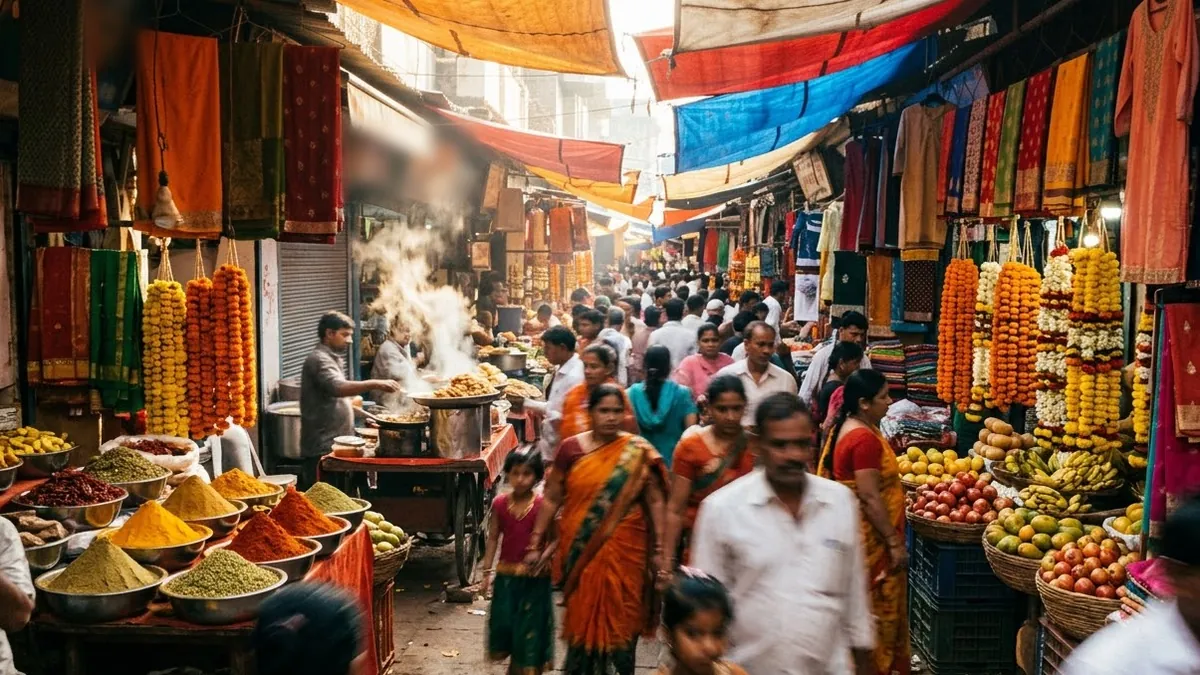
This prompt describes a hyperlapse walk through a busy street market in a city or country you choose, with colourful stalls, vendors calling out and crowds streaming past.
Hyperlapse walk through a busy [CITY / COUNTRY] street market at midday: colourful stalls of [GOODS], vendors calling out, crowds streaming past, steam from food carts, camera glides forward at walking pace with smooth motion blur, warm sunlight in shafts between awnings, vibrant and full of life.
Locking the walk speed keeps the hyperlapse effect steady.
Get a better result
A hyperlapse walk through a busy street market at midday, with colourful stalls of your goods, vendors, crowds, steam from food carts and shafts of sunlight between awnings, moving forward at walking pace.
People in the crowd warp and the stalls change shape.
Fix: Keep the crowd in the background and the camera at walking pace. Clips of 5 to 6 seconds keep faces steadier.
- Every stall sells the same random items. List three or four goods in the bracket, such as “spices, brass lamps, bangles, fresh flowers”. Variety makes a market feel real.
- The motion blur is so strong that nothing is readable. Say “light motion blur, stalls clear enough to recognise”. Hyperlapse blur should suggest speed, not hide the place.
- Stall signs show fake writing. Add “no readable signs or text” and let colours and goods tell the story. Writing on stalls usually comes out as nonsense.
Change midday to “early evening, lanterns and string lights, warm glow”. Lights give a market a very different feel.
Steady forward glide at walking pace, the crowd softly blurred, and the stalls keep their shape.
More video generation prompts
See all 489 →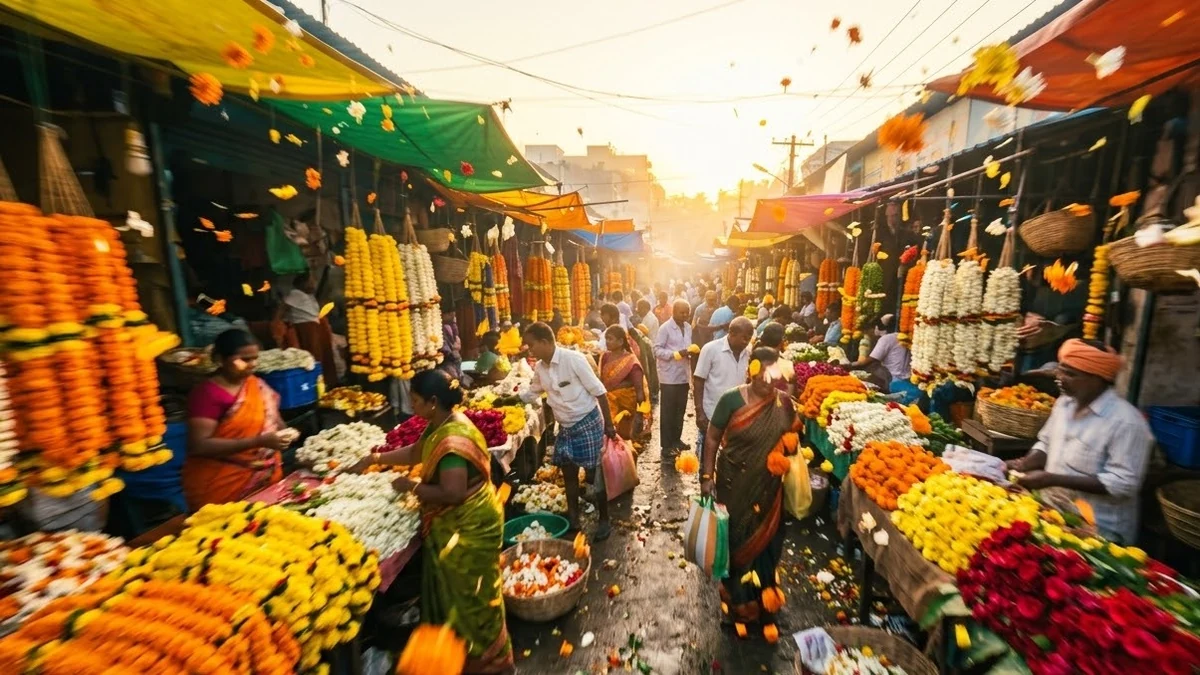
More like this
- Tokyo crossing hyperlapseVeo · Kling · Seedance
- Hyperlapse through the city at duskHiggsfield · Kling · Veo
- Spice market colour walkVeo · Kling · Seedance
- Asian night marketVeo · Kling · Seedance
- Estimate your market size sensiblyChatGPT · Gemini · Claude