Review a pull request with Claude Code without touching your own code
Published · Updated
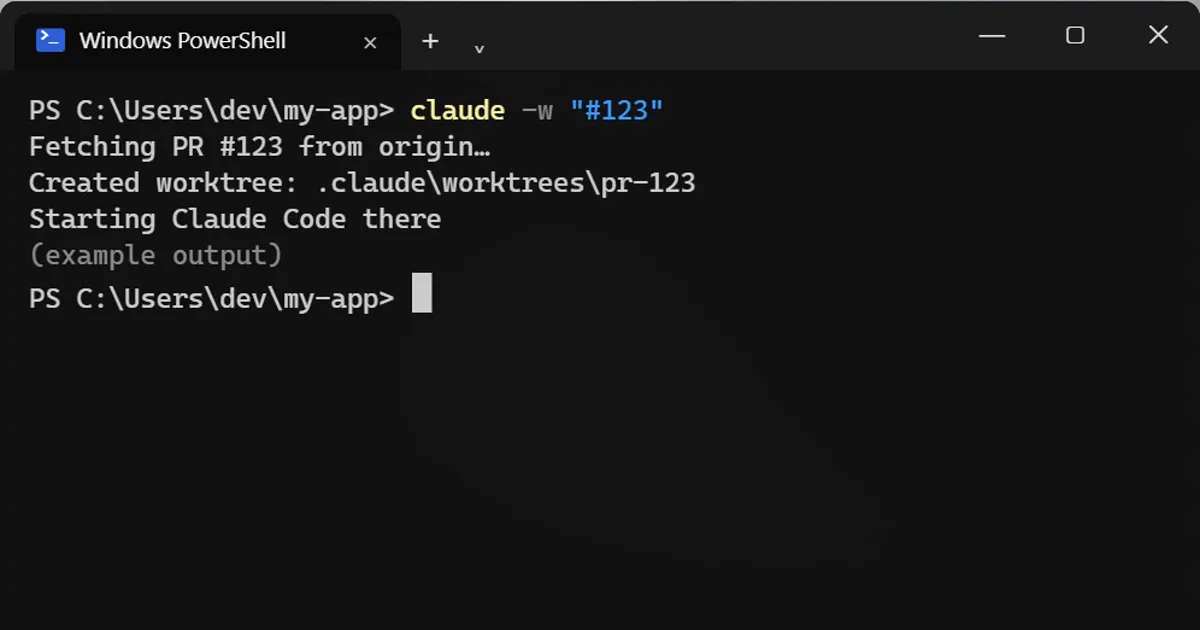
Short answerRun claude -w "#123" to fetch pull request 123 into a separate git worktree and start Claude Code there, so your own files stay exactly as they are. Keep the quotes, or the shell treats the hash as a comment.
A teammate sends a pull request while you are halfway through your own work. You do not have to stash anything.
Open the pull request in its own copy
claude -w "#123"
That makes a separate copy of the project (a git worktree) just for that pull request, in its own folder. Your own files stay exactly as they are. Then ask Claude to review it, run the tests, or try the change, all in that copy.
Keep the quotes
In most shells a # starts a comment, so without the quotes the number is thrown away.
No pull request yet?
Give a name instead and you get a fresh copy to experiment in:
claude -w feature-auth
Other forms
It also accepts the full link to a GitHub pull request, and GitLab merge requests work too. It fetches from your origin remote.
Where the copy lives
Inside your project, in .claude/worktrees/. Remove it when you are done, and check that .claude/worktrees is ignored by git.
A review routine
- Open the pull request in its own copy with
claude -w "#123". - Ask Claude to sum up what the change does and which files it touches.
- Run the tests in that copy.
- If the change affects something you can see, try it by hand.
- Write your review, then remove the copy from
.claude/worktrees/.
More quick tips
More prompts on this topic
- Review a pull request diff before you mergeClaude · ChatGPT · Claude Code
- Review code written by an AI before you trust itClaude · ChatGPT · Claude Code
- Write a pull request description reviewers loveClaude · ChatGPT · Claude Code
- Get a code review like a senior engineerChatGPT · Gemini · Claude
- Plan a feature before writing any codeClaude · ChatGPT · Claude Code
- Write a CLAUDE.md file for your projectClaude Code · Cursor



Comments
No comments yet. Be the first to share what worked for you.