Thanksgiving hosting and leftovers with ChatGPT: menu, timeline, shopping list and next-day meals
Published
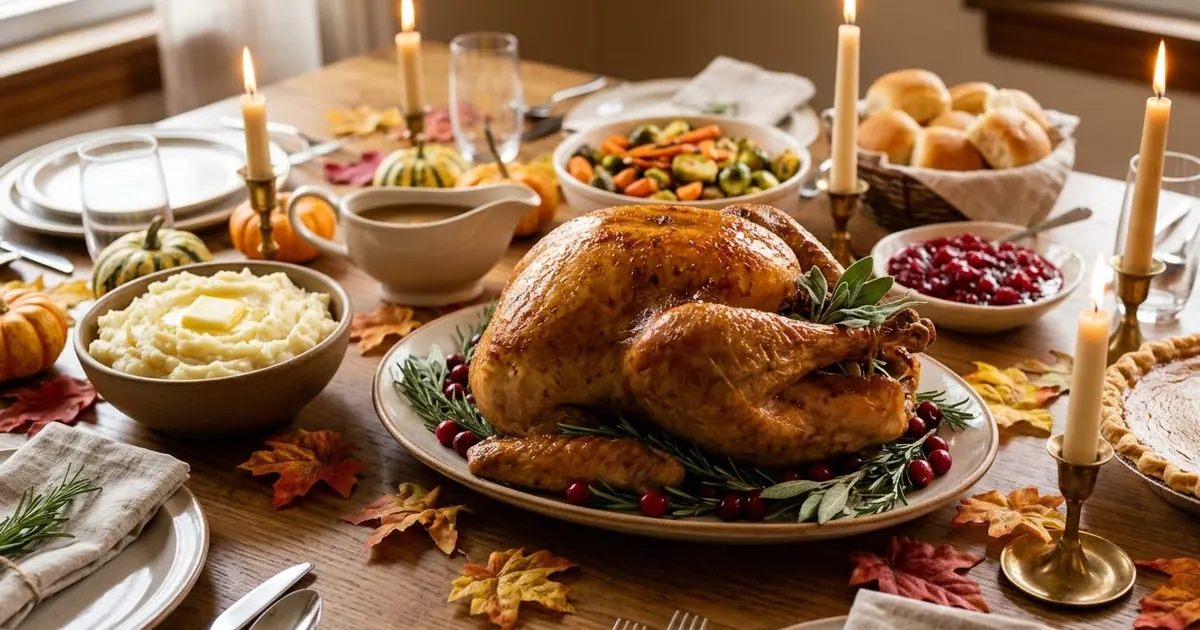
Short answerTell the AI your guest count, dietary needs and oven space, and ask for a menu with a cooking timeline that works backwards from serving time. Keep a second prompt ready for the leftovers. Thanksgiving 2026 is on Thursday 26 November.
Thanksgiving 2026 is on Thursday 26 November, the fourth Thursday of the month, which puts Black Friday the next day. Hosting is mostly a scheduling problem: one oven, many dishes and a lot of people who all want to eat at the same time. That is the kind of problem AI is good at.
1. Start with the menu
The dinner party menu prompt plans dishes around your guests. Add the details that change the answer:
Plan a Thanksgiving dinner for [NUMBER] people. Dietary needs: [VEGETARIAN / GLUTEN-FREE / ALLERGIES]. Budget: [AMOUNT]. I have one oven and [NUMBER] hobs. I want [TRADITIONAL / MODERN] dishes.
Give me a main, three sides, a vegetarian main, one starter and two desserts. Say which dishes can be made the day before.
"One oven" is the most useful detail you can give. It stops the AI suggesting five dishes that all need the oven at once.
2. A timeline that works backwards
Ask for a plan that starts from the time you want to eat:
We want to sit down at [TIME]. Using the menu above, build a timeline for Wednesday and Thursday, working backwards from serving time. Include when to take the turkey out of the fridge, when it needs to rest and when each side goes in the oven.
Always check cooking times and safe temperatures against a trusted source, such as the packaging on your turkey or official food-safety guidance. AI can be wrong on these.
Make as much as you can on Wednesday. The dishes that taste best reheated, such as cranberry sauce, gravy and some pies, are the ones to do first.
3. A shopping list that fits the budget
Turn the menu into a list sorted by shop section and ask for cheaper swaps. The budget meal plan prompt works well here, and you can ask it to flag what to buy early (frozen turkey, tinned goods) and what to buy fresh at the end.
4. Share the work
Hosting works better when guests help. The party planner prompt can split tasks and suggest what to ask each guest to bring. For a family that shares the housework, the chore schedule prompt assigns jobs such as setting the table and washing up, so one person is not left at the sink.
5. The day after: leftovers
Leftovers are half the point. Use the leftover makeover prompt and list what you have left:
I have leftover [TURKEY, STUFFING, MASHED POTATO, CRANBERRY SAUCE, ROAST VEGETABLES]. Give me five meals for the next three days that use them, each taking under 30 minutes. Include one for the freezer.
Follow food-safety guidance for how long cooked food keeps, and cool leftovers quickly before they go into the fridge.
Where to go from here
For the table and the photos, see Thanksgiving AI photo prompts. If you sell food or gifts, plan the next day with Black Friday and Cyber Monday AI prompts, and look ahead to Christmas gift ideas. If you are planning ahead for a big day, see wedding planning with AI, and after the season, read New Year resolutions with ChatGPT.
Quick checklist
- Give the AI your guest count, dietary needs and oven space.
- Build the timeline backwards from serving time.
- Make what you can the day before.
- Check cooking times and food safety from a trusted source.
- Plan the leftover meals before the day.
Prompts to try




More prompt guides
 7 October 2026Halloween party and costume ideas with ChatGPT: invitations, menus and trick-or-treat plans
 7 October 2026AI prompts for budgeting and saving money: a plan you can actually stick to
 7 October 2026AI prompts for renting and moving house: viewing questions, repair requests and a moving checklist
Comments
No comments yet. Be the first to share what worked for you.